Shop › VISUAL Vol. 01
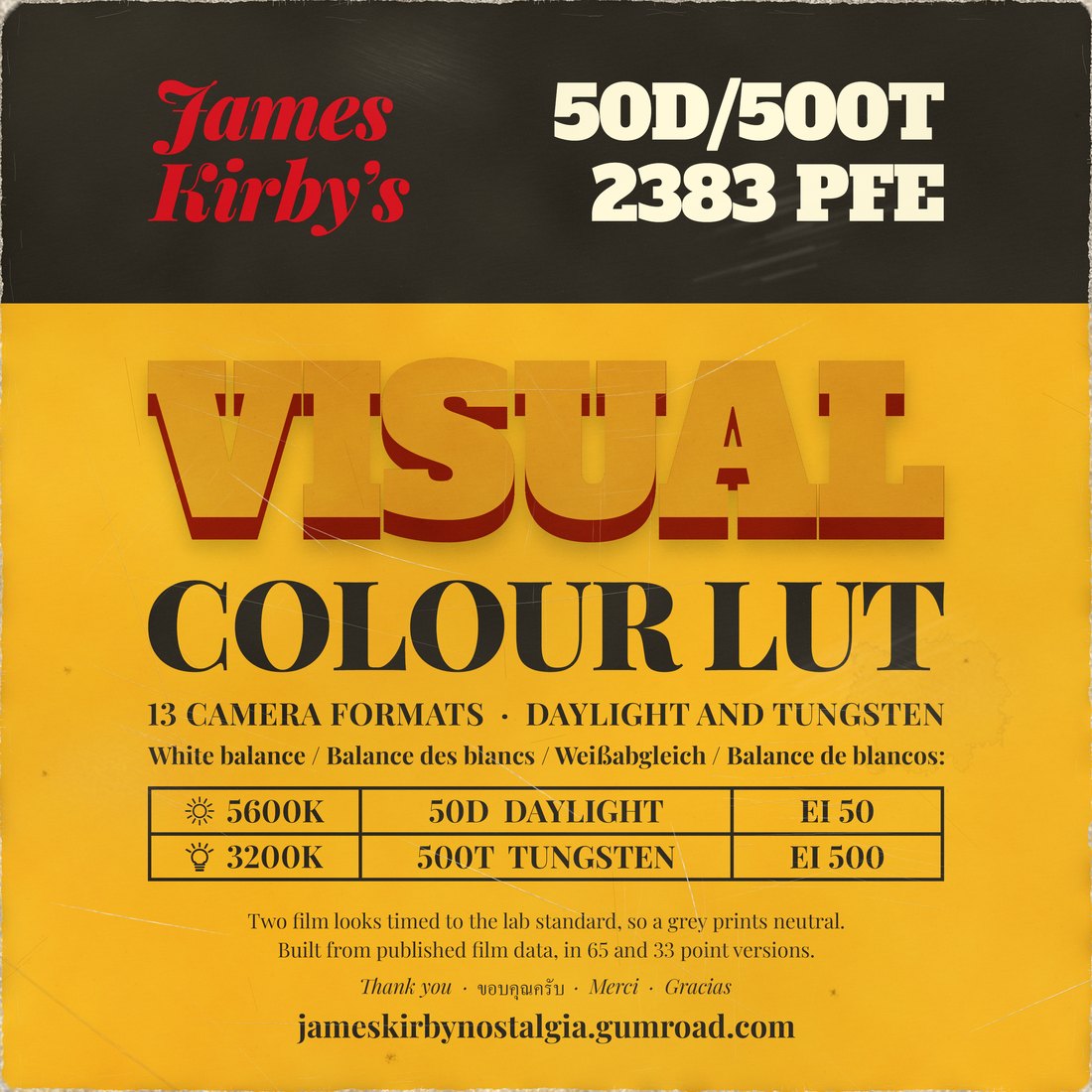
James Kirby’s VISUAL Vol. 01
Colour LUTLUT + PowerGrade
$29one camera format
Two film looks, timed the way a lab times a print: Kodak Vision3 50D for daylight and 500T for tungsten, both printed on 2383. Made in Driffield, my film emulation plugin, for 13 camera formats. With a DaVinci Resolve PowerGrade that sets up the whole grade around them.
- Looks
- 50D for daylight, 500T for tungsten
- Formats
- 13 camera log formats, or Rec.709
- Files
- 65 and 33 point .cube files, a short PDF guide
- The LUTs, a DaVinci Resolve PowerGrade, the PDF guide
- Works in


 and any app that reads .cube
The look
See it on real footage
My own clips, from my Canon in log and a Blackmagic Pocket in raw. Drag across to see them as shot and through VISUAL, and pick a clip below.

 Log, as shotVISUAL
On the roof, Chiang Mai. Canon Log 3, 50D.
Two films
One for the sun, one for the lamps

50D Daylight
Balanced for 5600K. Rated EI 50.
For sun, open shade and blue sky.
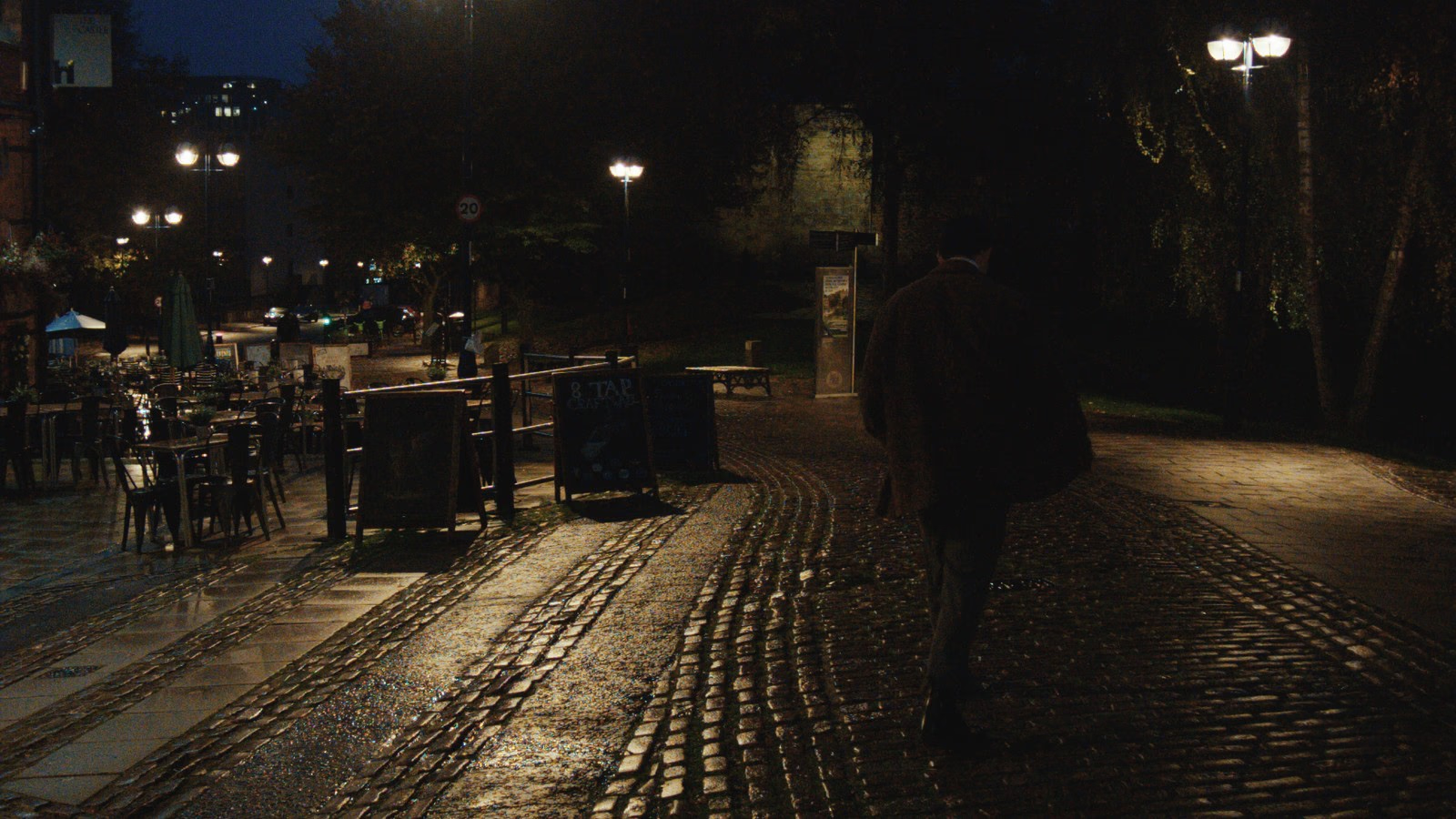
500T Tungsten
Balanced for 3200K. Rated EI 500.
For evenings, lamps and warm interiors.
Your camera
Made for 13 formats
Pick the one your camera records in above, or take all 13. Shooting standard video rather than log? Take Rec.709.


 Blackmagic Design




How it’s made
Made in Driffield
VISUAL is exported from Driffield, my film emulation plugin for DaVinci Resolve, in development. These are the settings it was made at, so you know exactly what’s in the LUT.
- Negative
- Kodak Vision3 50D for daylight, Vision3 500T for tungsten
- Kodak 2383
- Printer lights
- 25 on each, a neutral print
- Exposure
- As metered, no push
- Interlayer
- 3. My one look choice: a little more colour, set by eye on my own footage

 As shotThe print
For VISUAL’s three films, Vision3 50D, Vision3 500T and the 2383 print, the curves, spectral sensitivities and dye densities all come from Kodak’s own published datasheets for those films. Every build of the plugin runs more than 150 automated checks.
What the LUT carries
The colour and tone of the print: how the film sees each colour, its contrast, and how the highlights roll off.
What it can’t
A LUT changes one colour into another, pixel by pixel, so it can’t carry anything that depends on neighbouring pixels or on time: grain, halation, glow, gate weave and flicker, film sharpness and edge effects. Driffield does those live.
In the download
Everything you need
Inside
- VISUAL 50D and VISUAL 500T for your camera format
- Each as a 65 point and a 33 point .cube file
- A short PDF guide: where the LUT goes, which look for which light, and the one setting that matters
- Everything in the Colour LUT
- A DaVinci Resolve PowerGrade for your camera format, the whole grade set up
Three steps
- Shoot in your camera’s log profile and balance for the light you’re in.
- Put the LUT after your exposure and white balance, with nothing converting the log before it.
- In DaVinci Resolve, set 3D LUT interpolation to Tetrahedral.
Who made it
From me
My first film looks were made by eye. For VISUAL I wanted something I could measure, so it’s built from the film makers’ own published data and timed to the lab standard, then checked on my own Canon Log 3 footage.
Which format do I need?
The one your camera records in. Shooting standard video rather than log? Take the Rec.709 version.
LUT or LUT + PowerGrade?
The LUT works in any app that reads .cube. The PowerGrade is for DaVinci Resolve users who want the whole grade set up, with the LUT in place.
Does it add grain?
No. A LUT carries colour and tone only. Add grain and halation yourself, or wait for Driffield, which does them live.
Is it a LUT of Driffield?
Yes. It’s two of Driffield’s films at the settings above, baked into a file any editor can read. The LUT carries the colour and tone of the print. Driffield does more, live: grain, halation and gate weave, and every setting can change. It’s in development.
When is it out?
When it’s finished, not before.
Kodak, Vision3 and 2383 are Kodak’s names for its films. VISUAL is not affiliated with, sponsored by or endorsed by Kodak, and Kodak has not verified it.